
Home Work Mexican restaurant websites
Websites for Mexican restaurants.
A menu guests can read on their phone, one tap to the waitlist, and a clear page for every location. I designed and built the full website for a Mexican restaurant with live music and three locations in California.
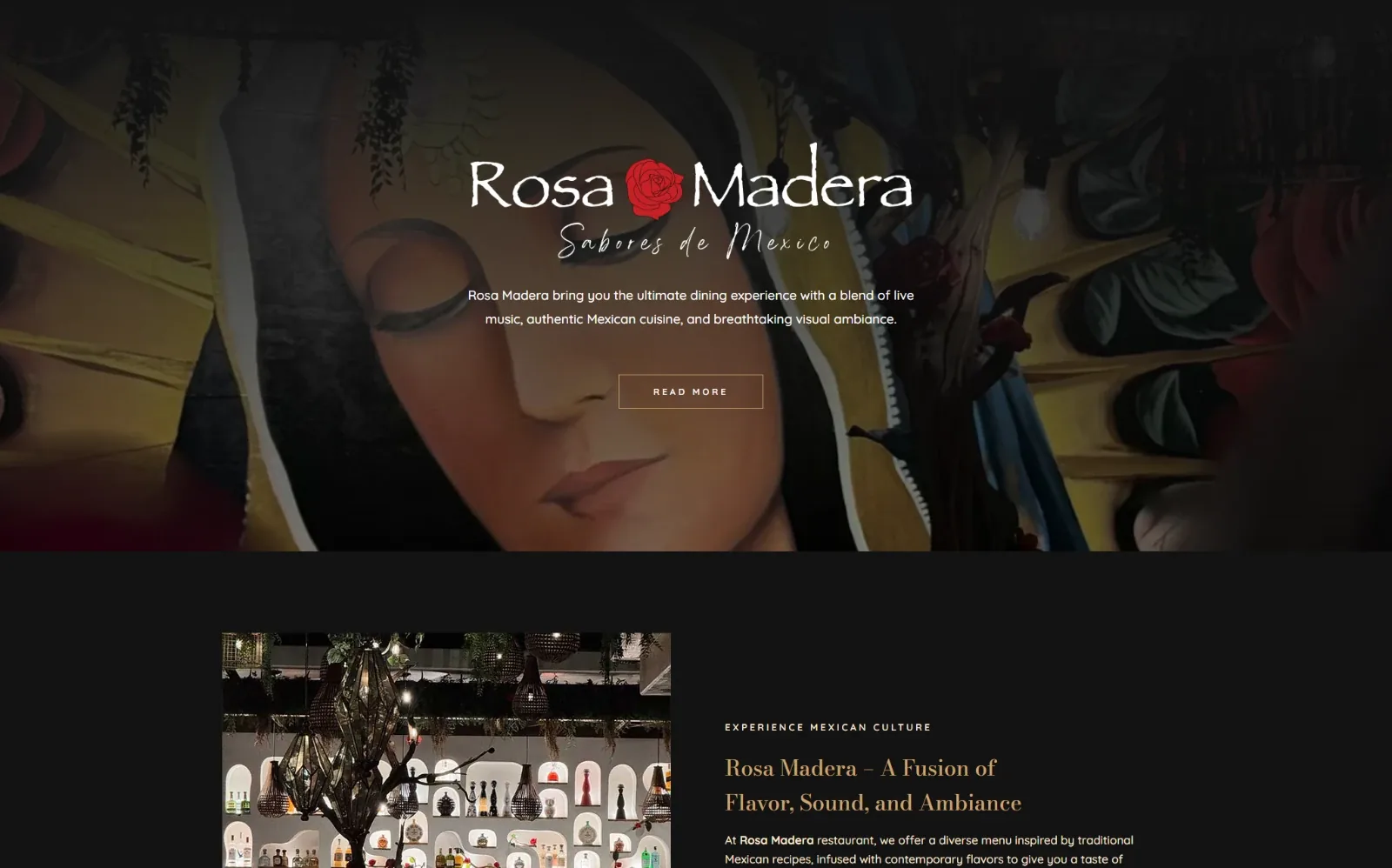
One website
3 locations
Santa Ana, Sacramento, Camarillo
Virtual waitlist
1 tap
A Toast waitlist for every location
What a restaurant website has to do. Guests decide in a few seconds, usually on a phone, often on the way.
A menu you can read on a phone
Dishes and prices as a real web page, not a PDF that guests have to pinch and zoom.
Waitlist or reservations
One tap to join the waitlist or book a table, connected to the system you already use.
A page for every location
Address, phone, hours, menu and waitlist for each restaurant, so guests never call the wrong one.
Online ordering
Orders for pickup or delivery straight from your site, next to the menu guests are already reading.
Google profile and reviews
Each location set up on Google Maps and kept current, with your reviews shown where guests decide.
Your atmosphere, not a template
Live music, the room, the food. The site looks like your restaurant, so the first visit starts online.
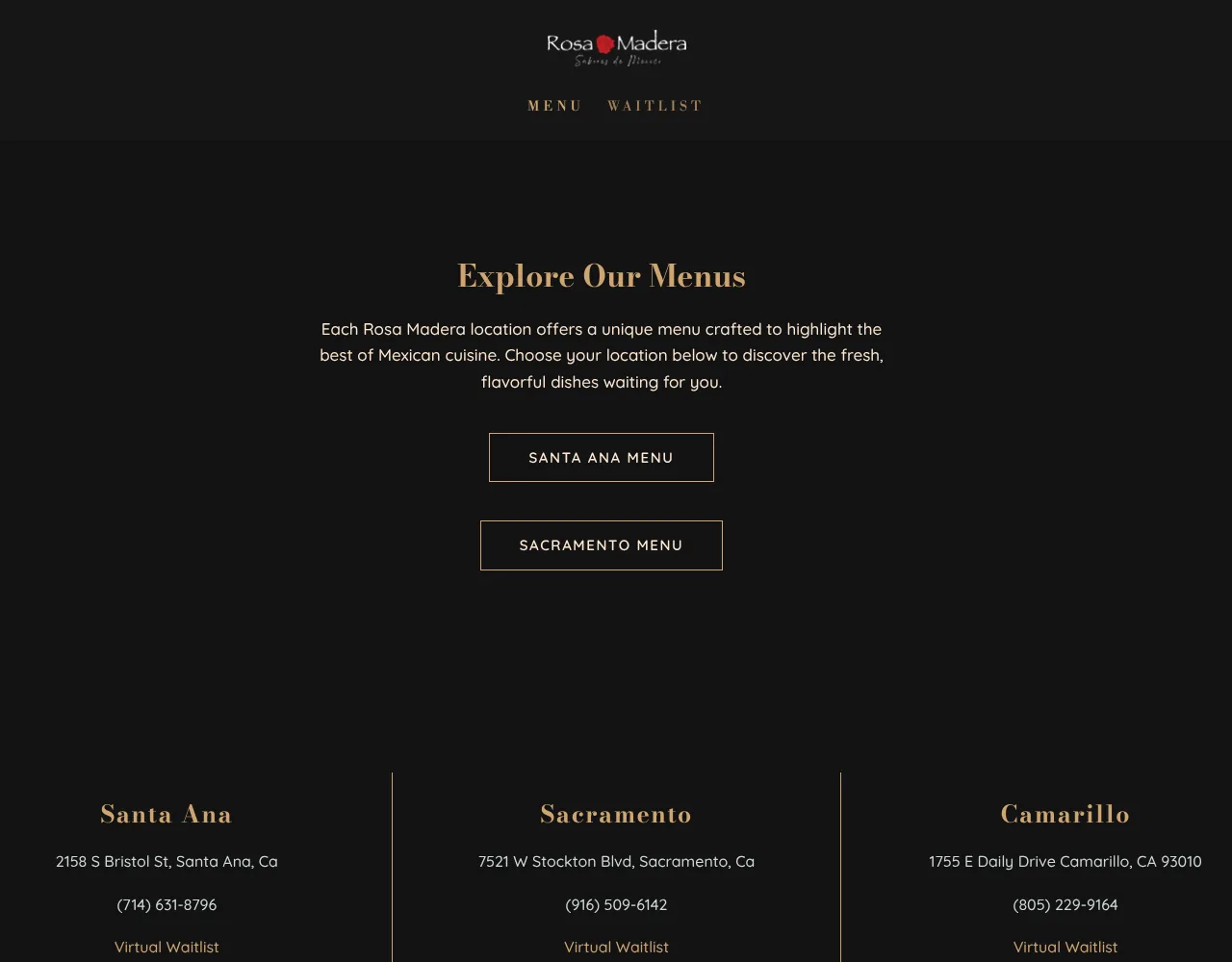
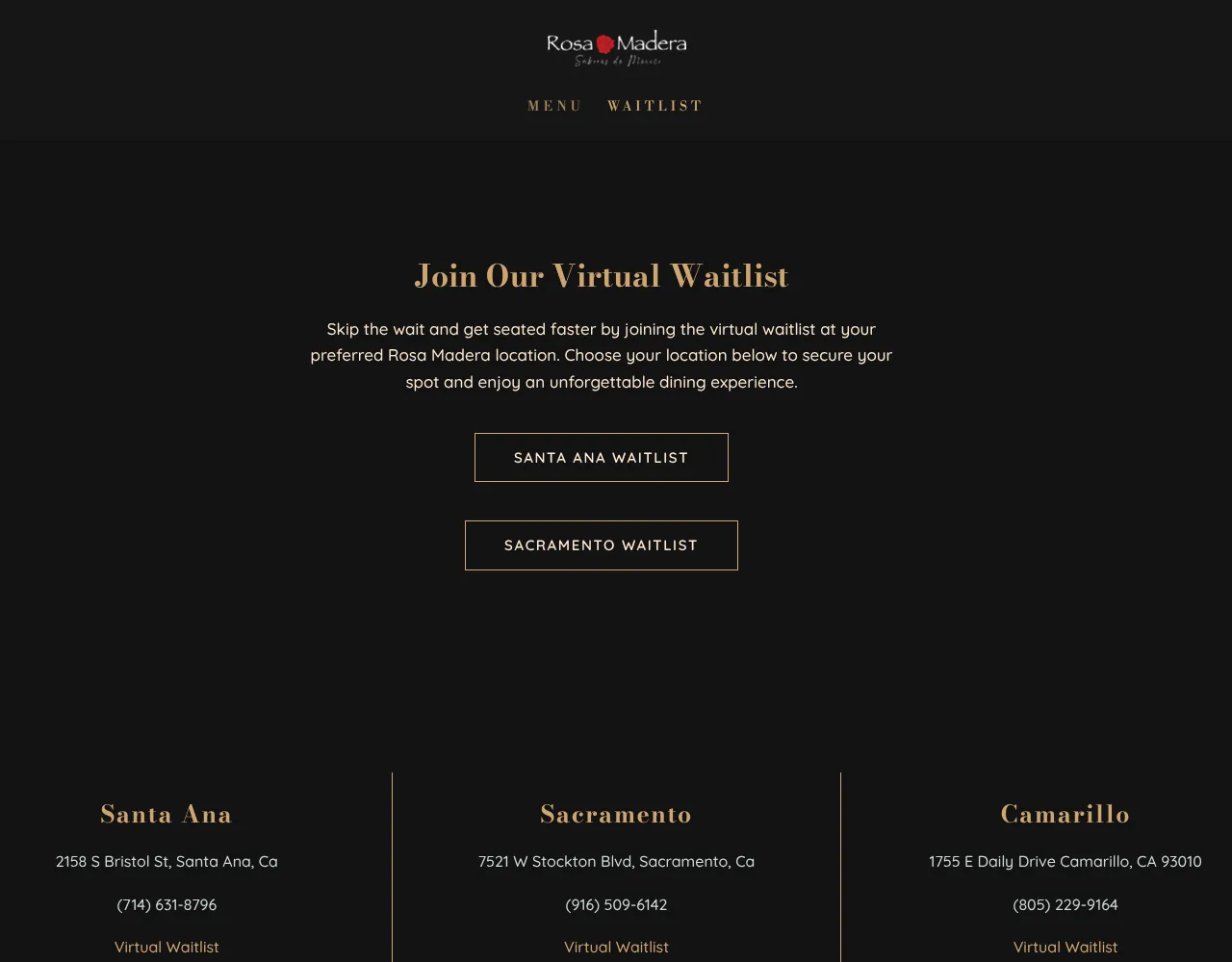
One website for three restaurants. Guests pick their location, then see that menu and join that waitlist.
- Locations on one site
- 3
- Virtual waitlists, one per location
- 3
Counted on rosamadera.com, November 2026. I designed and built the full website: location pages, menus by location and the waitlist links.
Visit rosamadera.com (opens in a new tab)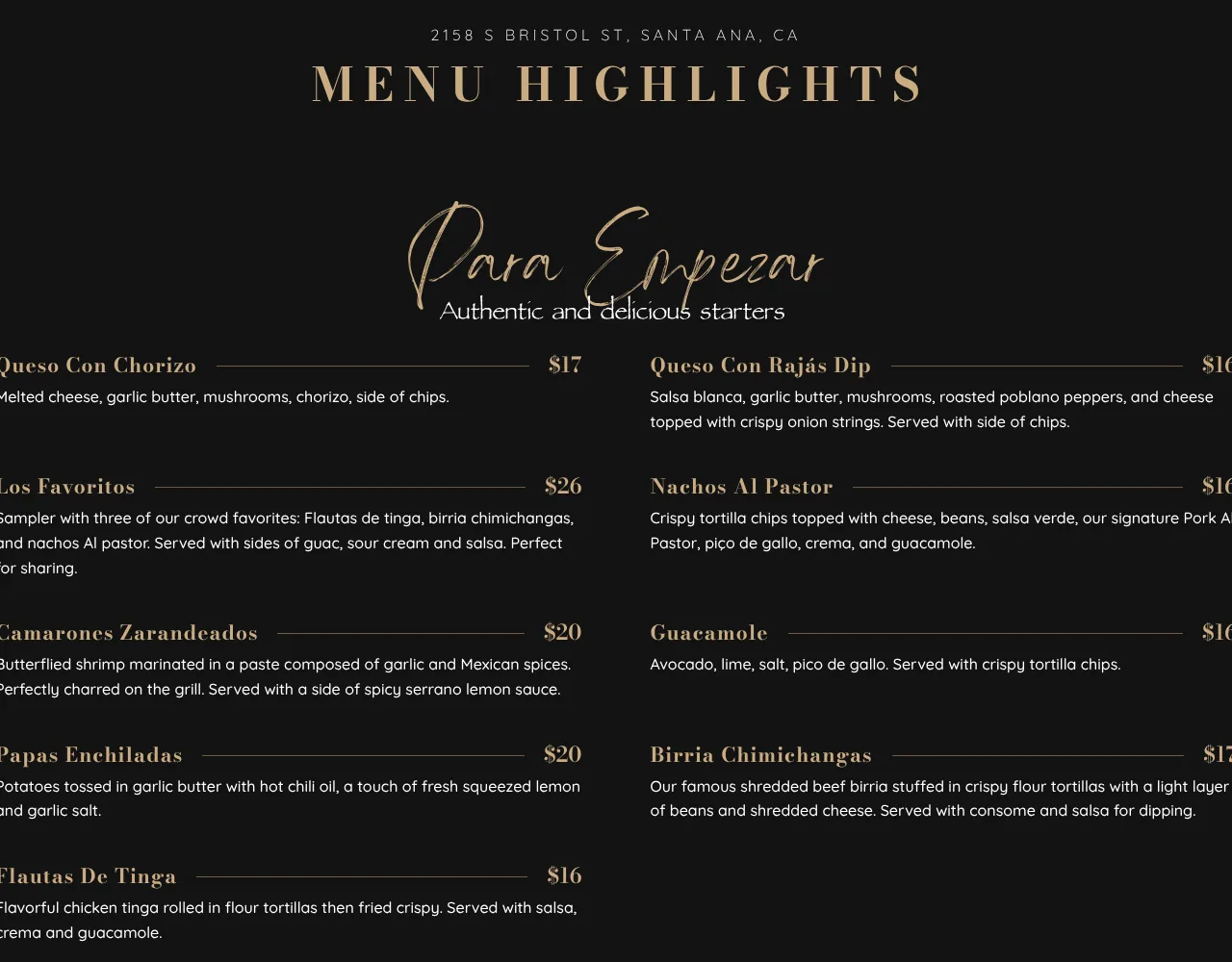
From search to table. Four steps a guest takes, each one a single tap.
Finds you on Google
A search for Mexican food nearby shows the location, its reviews and a link to the right page.
Picks a location
Three restaurants, one website. Each location has its address, phone and its own menu.
Reads the menu
Dishes, descriptions and prices on a fast web page that works on any phone.
Joins the waitlist or calls
One tap to the virtual waitlist for that location, or to call before heading out.
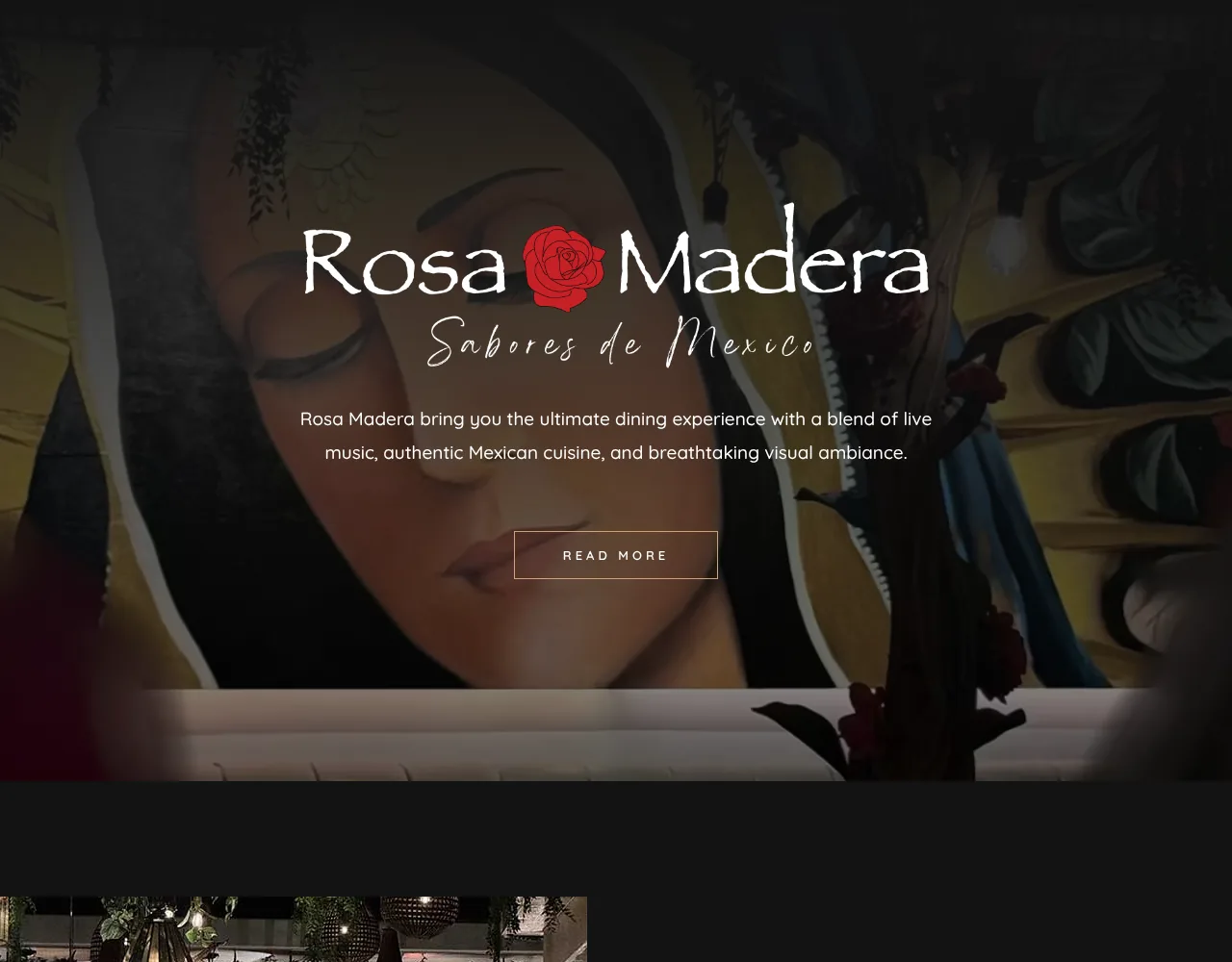
Inside the site. Dark, warm and built around the room, the music and the food.
Questions restaurant owners ask me.
Plain answers, before you write a word.
Can I change the menu and prices myself?
Yes. The menus on the site above are regular web pages on WordPress, so dishes and prices can be changed without a developer. I show you how.
Do you connect Toast, OpenTable or my ordering system?
The site above sends guests to a Toast virtual waitlist for each location. I connect the tools you already use and check yours before I quote.
I have more than one location. Is that a problem?
No. One website with a page for each location keeps your brand in one place and gives Google a clear page for every address.
Is this only for Mexican restaurants?
No. Taquerias, cantinas, cafes and family restaurants get the same approach. The case study here happens to be a Mexican restaurant group.
Who owns the website?
You do. Your domain, your hosting, your logins. If you ever leave, you keep all of it.
What does a restaurant website cost?
It depends on the number of locations and tools. You get a fixed price in writing before any work starts. See the plans.